Is Your Phone Really Fast Charging? How to Tell
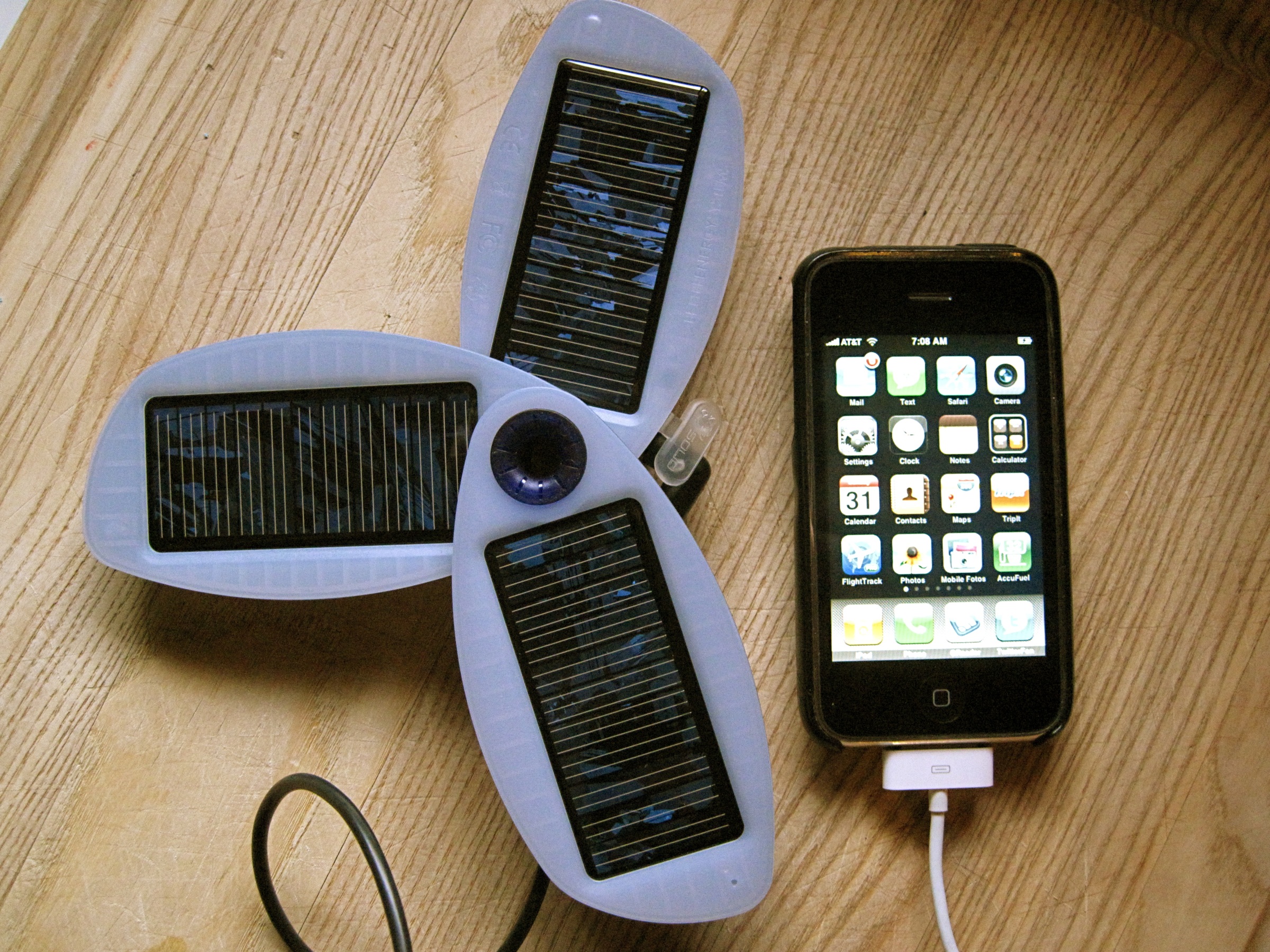
Your phone shows a lightning bolt the second you plug it in, so it must be fast charging, right? Not necessarily. That icon tells you power is flowing, but it says nothing about how much, and "fast charging" quietly fails far more often than most people realize.
Quick answer: The status-bar charging icon only confirms power is flowing, not how fast. To know if your phone is truly fast charging, you need to see the actual watts: standard fast charging runs about 15 to 27 watts, super fast charging runs 30 to 65 watts, and ultra fast charging is 80 watts or higher. A charging meter app that reads live voltage, current, and watts is the only reliable way to confirm the real number, since the icon looks identical whether you're getting 5 watts or 65.
What you'll learn
- What fast charging actually means in watts, and why there's no single official cutoff
- The volts-times-amps math behind every charger label
- How USB-PD, PPS, and Quick Charge compare across real phones
- Why the charging icon can't be trusted on its own
- How to check your phone's real charging speed step by step
What "Fast Charging" Actually Means
There's no single legal or universal definition of fast charging, but the industry has settled into rough tiers based on wattage. Standard fast charging generally covers 15 to 27 watts, super fast charging spans 30 to 65 watts, and ultra fast charging starts around 80 watts and now reaches as high as 240 watts in lab demonstrations.
Fast charging works by pushing more power into the battery than the original USB standard allowed, and power is simply voltage multiplied by current. Chargers achieve this by raising voltage above the old 5-volt USB baseline (commonly to 9V, 12V, 15V, or 20V), by raising current, or both.
But a charger's rated wattage is only a ceiling, not a guarantee. The charger, the cable, and the phone's own charging controller all have to support the same standard, or the connection quietly falls back to a slower, safer rate. It's worth noting that not every phone chases the biggest number either: Google's Pixel phones cap out in the low-20s to upper-30s of watts on USB-C PD3.0 with PPS, depending on the model, a deliberately conservative range meant to protect long-term battery health rather than post an impressive spec.
The Watt Math: Volts x Amps = Speed
Every charger label is really just this equation: watts equal volts multiplied by amps. A charger printed "9V/2A" is delivering 18 watts. One printed "20V/5A" is delivering 100 watts. Once you know this, reading any charger spec becomes simple arithmetic.
At the base 5-volt USB level, most chargers supply 2 to 3 amps, which works out to 10 to 15 watts. That's plenty for wireless earbuds or a smartwatch, but it isn't fast charging by any modern definition. Most Android fast charging steps up to around 9 volts at 2 to 3 amps, landing in the 18 to 27 watt range.
USB Power Delivery (USB-PD), the standard behind most modern fast charging, defines fixed voltage steps of 5V, 9V, 15V, and 20V, with current up to 5 amps, for a spec ceiling of 100 watts (240 watts under the newer USB PD 3.1 spec used for laptop-class charging). Layered on top of that is PPS, or Programmable Power Supply, added in USB-PD 3.0. PPS lets the charger and phone negotiate voltage in tiny 20 millivolt steps and current in 50 milliamp steps, somewhere between roughly 5V and 21V, instead of jumping between fixed levels. This is how Samsung and many other Android phones fine-tune their charging curve for speed and heat management.
One common point of confusion: mAh, or milliamp-hour, measures how much charge a battery can store, not how fast it charges. A 5,000 mAh battery can, in theory, supply 5,000 milliamps for one hour. It has nothing to do with charging speed. Watts, not mAh, determine how quickly a phone fills up.
Fast Charging Standards Compared
Charging standards vary a lot between brands, and the same phone can charge at very different speeds depending on which charger and cable you use. Here's how the major standards stack up.
| Standard | Typical Power | Example Phones | Approx. Charge Speed |
|---|---|---|---|
| USB-PD (fixed, non-PPS) | 15 to 27W | iPhones, entry-level Android phones | Steady, no rapid 0 to 50% claim |
| USB-PD with PPS | 25 to 45W | Samsung Galaxy S25 (up to 45W) | 0 to 75% in about 30 minutes |
| Qualcomm Quick Charge 5 | Up to 100W+ (device dependent) | Cross-brand Android flagships | 0 to 50% in about 5 minutes, 0 to 100% in about 15 minutes |
| Google Pixel USB-C PD3.0 PPS | 23 to 39W (capped by design) | Pixel 9 and 10 series, Pro XL models highest | Conservative curve, prioritizes battery health |
| OPPO/OnePlus SuperVOOC/Warp/Dart | 80 to 120W (up to 240W in latest lab tech) | OnePlus 15 (up to 120W), OPPO Find X series (80 to 100W) | 0 to 100% in about 40 to 70 minutes depending on generation |
| Base USB 5V | 10 to 15W | Wireless earbuds, smartwatches, older ports | Slow trickle, not fast charging |
None of these numbers apply automatically. The phone has to support the standard, the charger has to supply it, and the cable has to be rated for the current involved. Skip any one of those, and the phone quietly drops to a slower, safer default without telling you why.
Why the Status-Bar Lightning Bolt Isn't Proof
The charging bolt on your lock screen is a binary signal: power is flowing in, or it isn't. It draws no distinction between a 5-watt trickle from a phone-to-phone cable and a 65-watt charger running at full power. Both show the exact same icon.
That's a problem, because the same bolt appears whether the phone negotiated its full rated wattage or fell back to a much slower rate because of a worn cable, an underpowered adapter, a non-certified charger, or a shared USB port on a laptop or in a car. There's no visual warning when fast charging fails to kick in.
Charging speed also tapers on purpose as the battery fills, which adds another layer of confusion. Lithium-ion phones use what's called a constant-current, constant-voltage (CC-CV) charging curve: full speed roughly up to 50 to 80 percent, then a deliberate slowdown above that point to protect the cells from stress and heat. The bolt icon looks identical the entire time, even though the actual wattage may have dropped by more than half.
The only way to know the real number is to see the actual watts, and that requires a monitoring app rather than the icon alone. This is the one place a dedicated meter app is genuinely useful: something like AmpereFlow reads live voltage, current, and watts, and flags whether fast charging is actually active, rather than simply showing that some amount of power is flowing.
How to Check Your Real Charging Wattage
If you want a real answer instead of a guess, here's the process:
- Check your charger's rated wattage. Look at the printed spec on the charging brick itself (for example 20W, 45W, or 65W) so you have a number to compare against.
- Use certified cable and adapter. Charge with the cable that came with your phone, or a certified USB-PD, PPS, or Quick Charge cable and charger. Mismatched or uncertified accessories are the most common reason fast charging silently fails.
- Install a wattage-reporting app. Install a live charging monitor such as AmpereFlow, plug in the phone, and turn the screen on.
- Watch the live watts reading in the first few minutes. Check the app's live watts and amps in the first 5 to 10 minutes of charging, which is the peak-speed window before the battery starts tapering.
- Compare the reading to your charger's rating. If the live reading is far below the charger's rated wattage, fast charging did not negotiate, and the cable, port, or adapter is the likely cause.
- Review the charge curve as the battery fills. Use the app's charging power by level and charge time to full estimate to confirm the wattage tapers normally above 50 to 80 percent rather than assuming something is wrong.
While you're checking, it's worth keeping an eye on temperature too. Lithium-ion batteries charge safely between 0°C and 45°C (32°F to 113°F), with the ideal range for long-term health closer to 20°C to 25°C (68°F to 77°F). Heat accelerates aging significantly: capacity loss roughly doubles for every 10°C above room temperature, so a phone charging in direct sunlight or under a thick case will wear out faster even at identical wattage. Ordinary fast charging never approaches the danger zone around 60°C (140°F), where cells risk swelling, but a phone that feels distinctly hot to the touch while charging is worth investigating.
It also helps to know what normal long-term wear looks like. Most smartphone batteries are rated to retain about 80 percent of their original capacity after roughly 500 full charge cycles, which for a daily charger works out to about 1.5 to 2 years. Some newer phones, including recent iPhone 15 series models, are rated to hold 80 percent capacity through 1,000 cycles. Fast charging itself isn't inherently bad for the battery when it's done with certified chargers and cables, since phones manage the process with built-in charge controllers and the CC-CV taper described earlier. Heat and total cycle count matter far more than raw wattage, and tracking battery health and capacity estimates over time is the clearest way to see how your phone is actually aging.
Key takeaways
- The charging icon only confirms power is flowing; it can't tell you the actual wattage or whether fast charging negotiated successfully.
- Fast charging tiers run roughly 15 to 27W (standard), 30 to 65W (super fast), and 80W and up (ultra fast), but the phone, charger, and cable all have to match for any of it to apply.
- Watts equal volts times amps, and that's what determines charging speed, not the battery's mAh rating.
- Charging speed intentionally slows above 50 to 80 percent battery to protect the cells, so a slowdown late in a charge is normal, not a fault.
- A live wattage-reading app is the only reliable way to confirm real charging speed and catch a cable or adapter that's quietly holding your phone back.
Frequently asked questions
Does the lightning bolt icon mean fast charging is on?
No. The bolt only means power is flowing into the battery. It looks identical whether the phone is pulling 5 watts from a weak port or 65 watts from a full-power charger, so it cannot confirm fast charging is actually active.
What wattage actually counts as fast charging?
There's no single official cutoff, but the general convention is 15 to 27 watts for standard fast charging, 30 to 65 watts for super fast charging, and 80 watts and up for ultra fast charging like SuperVOOC or Quick Charge 5.
Why does my phone charge much slower after it hits 50 to 80 percent?
This is intentional. Lithium-ion phones use a constant-current, constant-voltage charging curve: full speed early on, then a deliberate taper as the battery fills to reduce heat and long-term wear. It is normal, not a sign of a broken charger.
Can a higher-wattage charger damage my phone?
Not if it's a certified USB-PD, PPS, or Quick Charge charger and cable. The phone's own charging controller negotiates the voltage and current it actually wants, and it won't accept more than it's designed to handle. The real risk comes from uncertified or damaged cables and cheap adapters that don't negotiate correctly.
Does a higher mAh rating mean faster charging?
No. mAh (milliamp-hour) measures how much charge a battery can store, not how quickly it fills. Charging speed is determined by watts, volts times amps, that the charger and phone agree on, not by the battery's mAh capacity.
How can I actually check my real charging wattage?
The icon alone can't tell you. A monitoring app that reads live voltage, current, and watts, such as AmpereFlow, will show the real number and whether fast charging actually kicked in, compared against what your charger is rated for.
